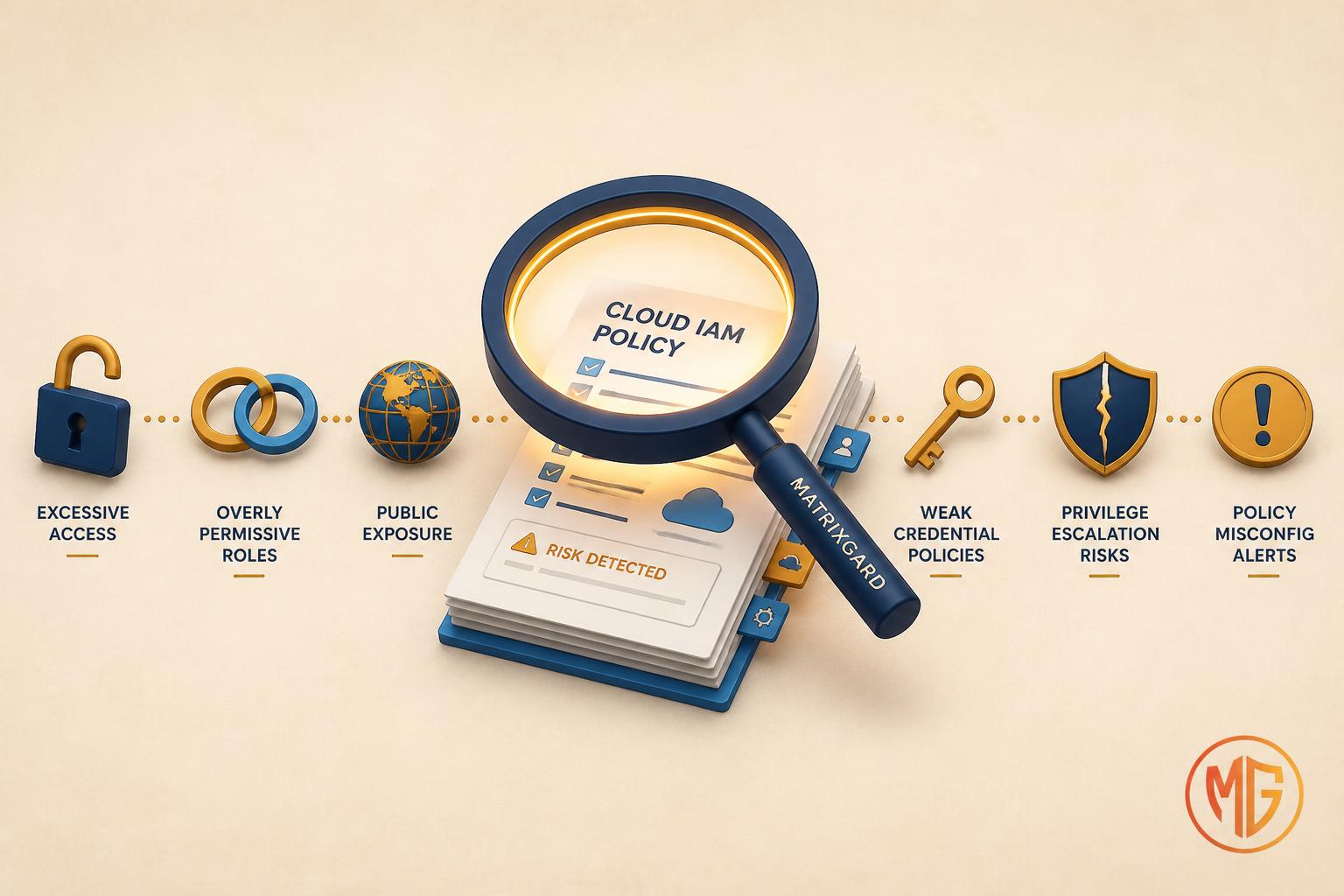
AWS IAM Access Analyzer is one of the few security services that costs nothing to switch on and starts earning its keep the same afternoon. Yet in most pre-seed and seed AWS accounts I open, one of two things is true: it was never enabled at all, or it was enabled once, produced a wall of findings nobody triaged, and has been quietly ignored ever since. Both outcomes leave the same gap. The account is sharing something with the outside world that the founders do not know about.
This is not a feature tour. The AWS documentation already covers every knob. This is a focused list of the six findings I see most often in early-stage accounts: what each one actually means, why it tends to show up at this stage, and how to either fix it or safely archive it so it stops competing for attention with the findings that matter.
Where I am offering a practitioner judgement rather than restating AWS documentation, I have labelled it inline.
Quick context: what Access Analyzer actually does in 2026
IAM Access Analyzer is not one feature. By 2026 it is three distinct engines under one console, and conflating them is the first mistake teams make.
- External access analysis (free): continuously reviews resource-based policies and flags any resource that can be reached by a principal outside your defined zone of trust, meaning your account or your AWS Organization. This is the original feature and the one this post is mostly about.
- Unused access analysis (paid): flags IAM roles, access keys, passwords, and individual permissions that have not been used within a tracking window. It is priced per analyzed IAM role and user per month; check the pricing page for current rates.
- Policy validation and custom policy checks: over a hundred automated checks that validate a policy against IAM grammar and security best practice, plus automated-reasoning checks against your own standards.
The concept that ties the external findings together is the zone of trust. You set it to either your single account or your whole Organization, and anything reachable from outside that boundary becomes a finding. Findings flow to AWS Security Hub and Amazon EventBridge, so you can route them into Slack or a ticket queue instead of checking the console by hand. With that frame, here are the six findings I see most.
1. An S3 bucket reachable from outside your account
What the finding says: a resource-based policy or ACL on an S3 bucket grants access to a principal outside your zone of trust, sometimes the entire internet ("Principal": "*"), sometimes a specific external account.
This is the single most common external-access finding in pre-seed accounts, and it is almost always one of three causes. Either a developer made a bucket public to serve static assets and never moved that content behind CloudFront with Origin Access Control. Or a bucket policy was copied from a tutorial that used a wildcard principal. Or a third-party tool (an analytics vendor, a backup product) was granted cross-account read access and the grant was never scoped down or removed when the tool was dropped.
The danger is not theoretical. Public buckets remain one of the most reliable sources of accidental data exposure, which is why AWS now enables S3 Block Public Access by default on new buckets. Access Analyzer catches the cases that slip past that default, particularly cross-account grants, which Block Public Access does not stop.
What fixing looks like: if the bucket genuinely needs to serve public content, put it behind a CloudFront distribution with Origin Access Control and keep the bucket itself private. If it was a cross-account grant for a tool you still use, scope the policy to the specific external account and the specific prefix, and add a condition. If the tool is gone, delete the statement.
Takeaway: a public-asset bucket is fine; a bucket that is public by accident is a breach waiting for a scanner to find it before you do.
2. An IAM role an external account can assume without an external ID
What the finding says: a role trust policy allows a principal in another AWS account to call sts:AssumeRole, and your zone of trust does not include that account.
Almost every startup creates one of these on purpose. The monitoring vendor, the CI provider, the cost-optimization tool, the security scanner: each asks you to create a role their account can assume. That is a legitimate pattern. The finding exists so you can confirm each external trust is one you meant to create, and, more importantly, that it is protected against the confused deputy problem.
The confused deputy risk is specific. If a third party tells thousands of customers to create a role trusting their account, and they do not isolate each customer, a malicious actor who is also their customer could trick the vendor into assuming your role. AWS's published mitigation is the external ID: a unique value the vendor sets in the assume-role call and that you require in your trust-policy condition. Reputable vendors hand you one. The finding is your prompt to check that the condition is actually present.
What fixing looks like: for every external-account trust, confirm the vendor is real and current, add an sts:ExternalId condition matching the value the vendor provides, and prefer scoping the trust to a specific role ARN in their account rather than the whole account root. Then archive the finding so it stops reappearing.
Takeaway: external trust is normal; external trust with no external-ID condition is the gap an attacker looks for first.
3. A KMS key usable by an outside account
What the finding says: a KMS key policy grants a principal outside your zone of trust permission to use or manage the key.
KMS findings are less frequent than S3 ones, but they carry more weight, because a shared key often means shared data. The usual cause at pre-seed: a key was created for a cross-account data-sharing setup (a shared S3 bucket encrypted with a customer-managed key, a snapshot shared with a sister account), and the key policy was opened up more than the actual sharing required. Because KMS evaluates the key policy first, an over-broad key policy can silently undo the careful scoping you did everywhere else.
The subtlety here is that KMS is the one service where an over-permissive resource policy can defeat IAM. For most services, access requires both an allow in an identity policy and no explicit deny. For a KMS key, the key policy is the root of trust; if it grants an external account access, that account does not need anything else from you.
What fixing looks like: open the key policy and confirm every external principal is intentional. Scope grants to the specific external role rather than the account root, restrict to the specific actions needed (often just kms:Decrypt or kms:GenerateDataKey, not kms:*), and add conditions such as kms:ViaService where the key is only meant to be used through one service. The key-policy docs cover the precedence rules.
Takeaway: a shared key is a shared door, and the key policy is the only lock on it.
4. A publicly shared RDS or EBS snapshot
What the finding says: an RDS DB snapshot, an RDS cluster snapshot, or an EBS volume snapshot has been shared so that accounts outside your zone of trust, sometimes all AWS accounts, can restore it.
This is the finding founders react to most strongly when they see it, because the failure mode is stark: a database snapshot marked public means anyone with an AWS account can restore your production data into their own account and read all of it. There is no further authentication step. Public snapshots have been the root cause of several well-documented data exposures over the years.
It happens by accident more often than you would expect. An engineer shares a snapshot with a second account for a migration or a staging refresh, picks the wrong sharing option, and sets it to public rather than to the specific account. Or a snapshot was made public years ago for a one-off and never reverted. Access Analyzer surfaces both because it inspects the snapshot sharing attributes, not just bucket and role policies.
What fixing looks like: change the snapshot sharing from public to the specific account IDs that need it, or stop sharing entirely if the need has passed. For RDS this is the snapshot visibility attribute; for EBS it is the createVolumePermission attribute. Then encrypt future snapshots with a customer-managed KMS key, because an encrypted snapshot cannot be made public at all, which removes the failure mode structurally.
Takeaway: a public snapshot is the highest-severity finding on this list; treat it as an incident, not a backlog item.
5. Unused IAM roles and access keys
What the finding says: (unused access analyzer) an IAM role has not been used within your tracking window, or an IAM user has an access key or password that has gone unused.
This is a different engine from the external-access findings above, and it is the paid one, but at pre-seed scale the cost is small and the signal is high. Early accounts accumulate dead credentials fast: the access key from the founder's first laptop setup, the role left behind by a deleted service, the contractor user nobody offboarded. Each one is standing attack surface that does nothing useful.
Unused credentials matter because they are the quietest way in. A leaked key for a role you forgot exists will not trip any behavioural alarm, because there is no baseline of normal use to deviate from. The recurring wave of attacks against long-lived access keys leaked in public code repositories is the same story told over and over.
What fixing looks like: for unused access keys, deactivate first (it is reversible), wait, then delete. For unused roles, confirm nothing references them and remove. The durable fix is structural: move humans to short-lived credentials via IAM Identity Center so there are no long-lived user keys to leave lying around, and prefer roles over IAM users for workloads. AWS documents the unused-access analyzer and its tracking-period settings.
Takeaway: every credential not in use is risk with no offsetting benefit; the cheapest security win available to you is deletion.
6. Over-broad permissions on the roles you do use
What the finding says: (unused access analyzer, action level) an active role is granted services or individual actions it has not actually used during the tracking window.
This is the finding that maps directly to least privilege, and it is the one that pays off long after pre-seed. The common pattern: a role was created with AdministratorAccess or a broad managed policy to unblock a deploy, and it was never narrowed once the team learned what the workload actually needs. The action-level unused findings tell you precisely which granted actions were never called, which turns least-privilege from a guessing game into a list.
The reason this matters more than it looks: in a breach, the blast radius is whatever the compromised role can do, not whatever it actually did. A deploy role with unused iam:* and s3:* is a privilege-escalation path even if your pipeline only ever pushed to one bucket. Trimming unused actions directly shrinks blast radius.
What fixing looks like: use the unused-action findings together with Access Analyzer's policy generation, which reads CloudTrail history and drafts a least-privilege policy for the role. Treat the generated policy as a strong first draft, not a final answer, because it only knows what happened during the logged window. Review it, apply it, then re-run after a full business cycle to catch periodic jobs.
Takeaway: the permissions a role never uses are pure downside, and Access Analyzer hands you the exact list to cut.
Triage: archive rules are what keep the tool usable
The reason most teams abandon Access Analyzer is not that it is wrong. It is that a fresh account generates a batch of findings on day one and there is no obvious way to separate "expected and fine" from "investigate now". The mechanism AWS provides for this is the archive rule.
An archive rule auto-archives findings that match criteria you trust. The disciplined workflow is: triage every finding once, fix the genuine ones, and for each finding that is intentional and safe (the monitoring role you confirmed has an external ID, the public-assets bucket fronted by CloudFront), write an archive rule so that finding and future identical ones move out of the active view. What remains in "active" is then, by construction, the set that needs human eyes. Without this, the active list grows until it is noise and the tool gets muted.
Practitioner opinion: do the archive-rule pass in the same session as your first triage. An Access Analyzer console with forty unreviewed active findings teaches the team to ignore it within a week, and an ignored security tool is worse than none, because it creates false confidence.
What Access Analyzer will not catch
Knowing the boundary matters as much as knowing the findings. Access Analyzer reasons about policies, not network paths or application logic, so several real exposures sit outside its remit.
- Network exposure. A security group open to
0.0.0.0/0 on a database port is a serious problem, but it is not an Access Analyzer finding. That is the job of AWS Config rules, VPC reachability analysis, or a dedicated audit pass.
- Application-layer access. An API with broken authorization, or a public endpoint that should be private: Access Analyzer never sees these, because they live above the IAM and resource-policy layer.
- Unsupported resource types. External access analysis covers a defined list of resource types (S3, IAM roles, KMS, Lambda, SQS, Secrets Manager, SNS, snapshots, ECR, EFS, DynamoDB, and more). Anything off that list is not analyzed, so check the supported-resources list rather than assuming full coverage.
Access Analyzer is the policy-exposure layer of a defence-in-depth setup, not the whole thing. Pair it with network and configuration scanning to cover the gaps it leaves.
The honest summary table
| Finding | Engine | Severity at pre-seed | Typical fix |
|---|
| Public or cross-account S3 bucket | External access (free) | High | CloudFront with OAC, or scope the bucket policy |
| External-account role with no external ID | External access (free) | High | Add sts:ExternalId condition, scope the trust |
| KMS key shared with an outside account | External access (free) | High | Scope key policy to specific role and actions |
| Public RDS or EBS snapshot | External access (free) | Critical | Unshare or restrict; encrypt future snapshots |
| Unused roles and access keys | Unused access (paid) | Medium | Deactivate then delete; move to Identity Center |
| Over-broad active permissions | Unused access (paid) | Medium | Policy generation; trim unused actions |
Stage-specific recommendation
If you are pre-seed (under 10 engineers, one AWS account): turn on the free external-access analyzer today and set the zone of trust to your account. Do one triage pass, fix the public buckets, public snapshots, and any external trust without an external ID, then write archive rules for everything intentional. That is a half-day of work that closes your most likely accidental-exposure paths. Defer the paid unused-access analyzer until you have more than a handful of roles.
If you are seed (10 to 30 engineers, moving to AWS Organizations and multiple accounts): create the analyzer at the Organization level so the zone of trust is the whole org and routine cross-account access between your own accounts stops generating noise. Turn on unused-access analysis now, because this is the stage where dead roles and over-broad permissions accumulate fastest. Route findings to Security Hub and into a Slack channel via EventBridge so triage is continuous, not quarterly.
If you are Series A (multiple accounts, first dedicated security or platform hire): wire Access Analyzer findings into your ticketing system with an SLA by severity, add custom policy checks to your CI so a pull request that would create external access is caught before merge, and make the policy-generation workflow part of how every new role is created. At this stage Access Analyzer should be a guardrail in the pipeline, not a console someone occasionally visits.
If you want a second pair of eyes on your IAM exposure
MatrixGard runs a free 20-minute IAM and external-access review for pre-seed and seed founders: what your account is sharing outside its boundary, which findings are real, and the three fixes worth doing first. No NDA required for the first conversation. Send a note.
Avinash S is the founder of MatrixGard. Fractional DevSecOps for pre-seed and seed startups across India, the GCC, the UK, and the US. Almost a decade of building, breaking, and securing cloud infrastructure for fintech, healthtech, and SaaS workloads.
Methodology note. Feature behaviour, resource coverage, and finding types are drawn from the AWS IAM Access Analyzer documentation current as of May 2026. The "six most common" framing is a practitioner opinion based on the pattern frequency I see in early-stage AWS accounts, not a published AWS statistic. Pricing for the unused-access analyzer changes over time and varies by region; consult the official pricing page for current rates rather than relying on any figure quoted elsewhere. Severity labels are practitioner judgement for a typical pre-seed context and will differ with your data sensitivity and architecture.